Skip to content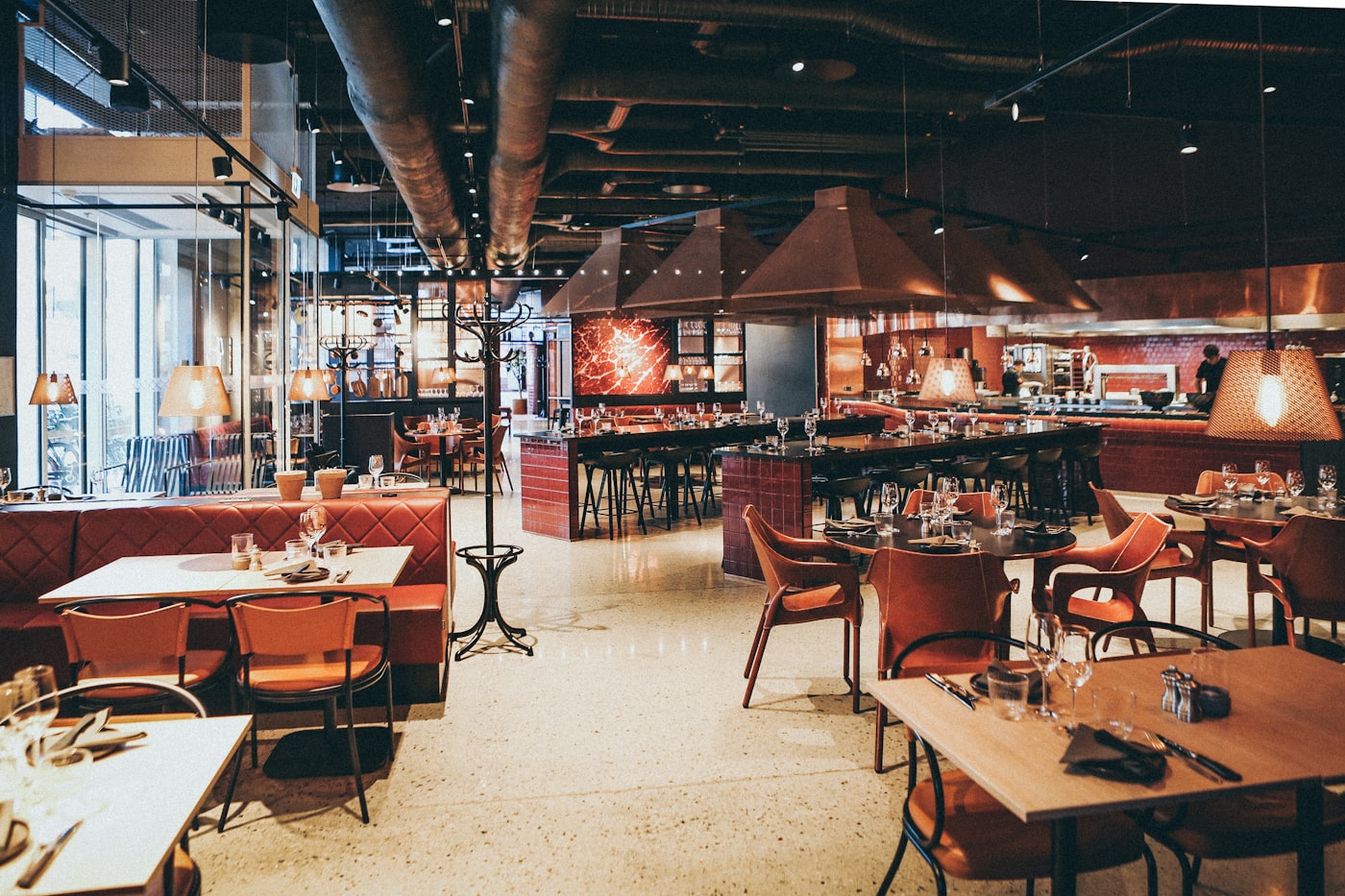



Use cases
One system, shaped to the work.
Restaurants get the floor, retail gets the stock room, appointment businesses get the calendar. Underneath, all of them run the same payments, customers and books.
Use cases with their own workflows
Restaurants and bars
Tabs, tables and a kitchen that keeps up.
Full service, bars, breweries and food trucks
Open a check at the table or a tab at the bar, fire the ticket to the kitchen screen, split it however the party wants, and close it once it is paid.
- Sell
- Run
- Close
What gets used every day
- Tables, sections and a floor plan of the room
- Tabs and checks that close only once paid
- Kitchen display tickets instead of paper
- Split checks, tips, tip pooling and declarations
- Stock, purchase orders and vendors behind the bar
Modules it switches on
Cafés and counters
A queue that moves, and a menu on the wall.
Coffee shops, bakeries, quick service and catering
Ring a drink in a few taps, let guests order for themselves at a kiosk, and change the board behind the counter by changing the menu.
- Sell
- Run
- Close
What gets used every day
- Quick tickets with modifiers built in
- Self-order kiosk, paid at the register
- Menu boards that follow the daypart
- Loyalty and gift cards at checkout
- Close-out with cash over and short
Modules it switches on
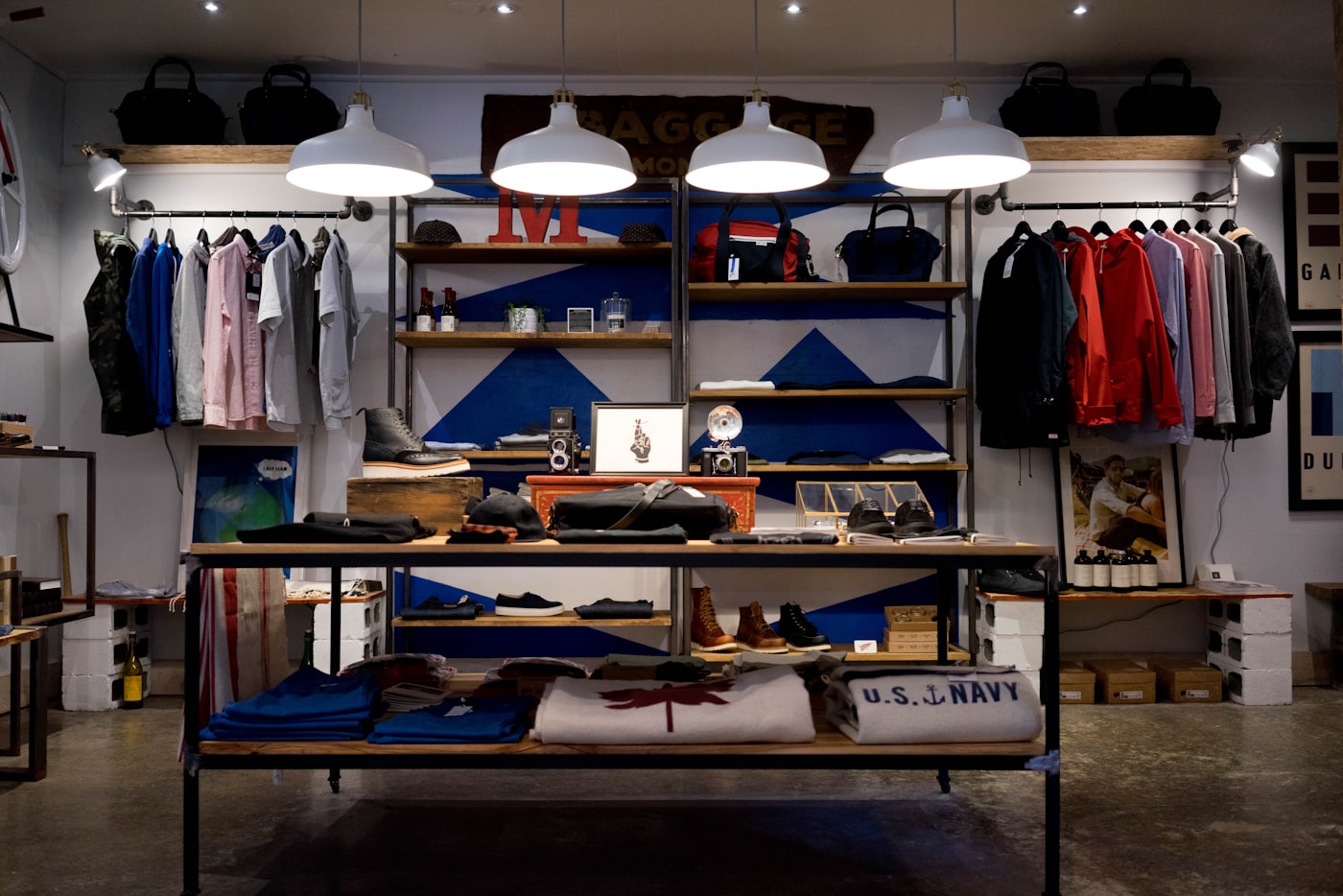
Retail
Stock you can trust, down to the variant.
Boutiques, convenience, grocery, gift and specialty shops
Count what is on the shelf, reorder through a purchase order, and know which size and colour actually sold. Then bring the customer back.
- Sell
- Restock
- Close
What gets used every day
- Inventory by location and variant
- Purchase orders, vendors and receiving
- Stock counts that show the variance
- SKU and barcode lookup at the register
- Loyalty, gift cards and promotions applied at checkout
Modules it switches on
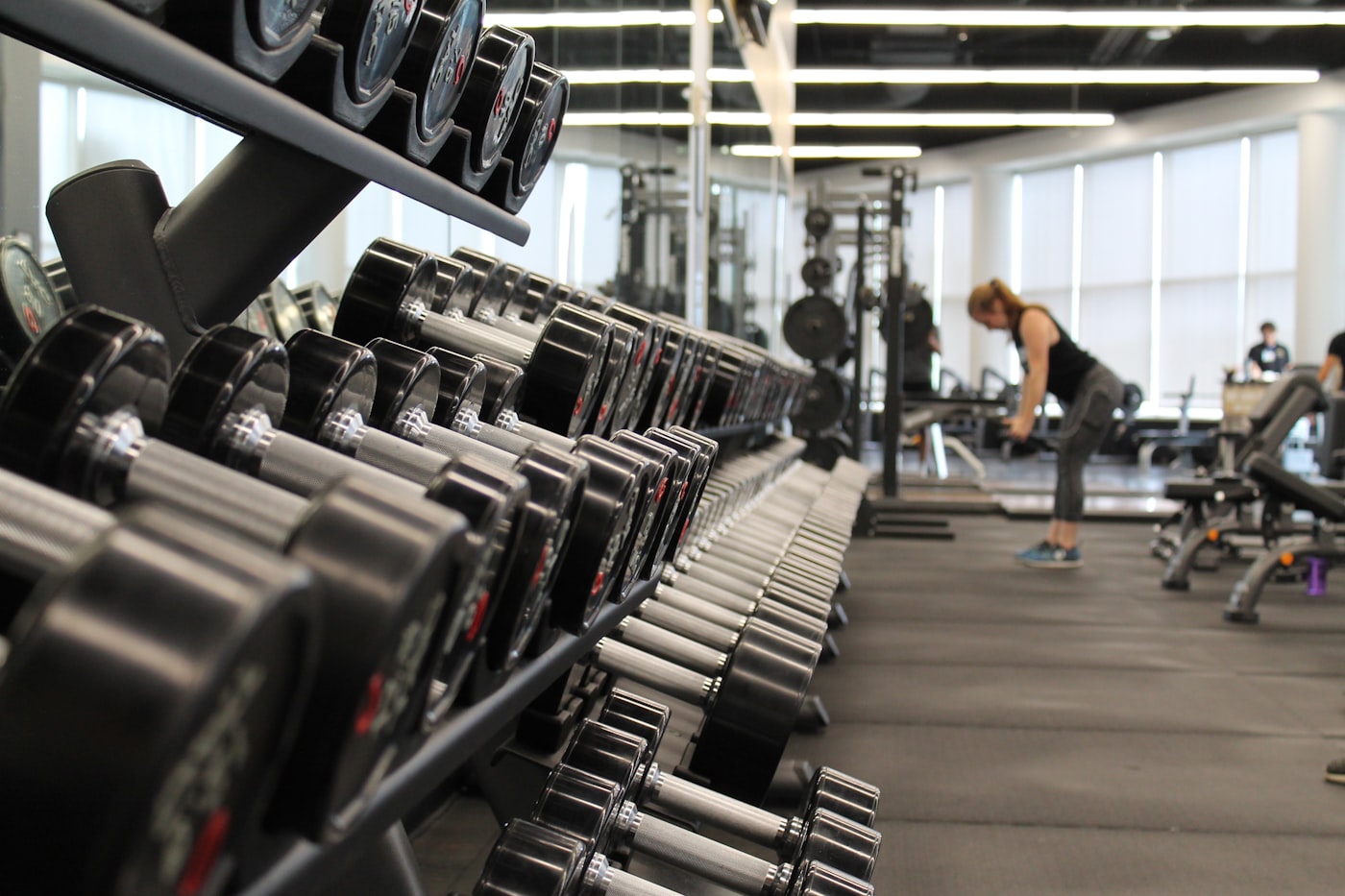
Studios and gyms
A calendar that fills without double-booking.
Gyms, fitness studios, wellness and appointment-based services
Clients book against each coach’s real availability, pay in person, and earn points on the way, with the booking, the payment and the profile on one record.
- Book
- Check in
- Get paid
What gets used every day
- Public booking page with availability per provider
- Overlaps refused at the database, not just on screen
- Tips and refunds at the counter
- Reminders, and a link to reschedule or cancel
- Loyalty points and gift cards
Modules it switches on
Country clubs
Members, dues and the house account, on one record.
Country clubs, golf and tennis clubs, and private member clubs
Members and their households sit on one record. Dining goes on the member’s house account, tee times and courts book from one sheet, and dues and house-account charges come together on one statement.
- Book
- Charge
- Bill
What gets used every day
- Members and households on one record
- Dues billed in advance or in arrears
- A tee sheet and court bookings
- Dining charged to the member’s house account
- Monthly member statements
- Import members from a CSV file
Modules it switches on
On the shared core
Payments, scheduling, customers and books, switched on for how you work, with no industry module to learn and nothing claimed that Batch does not keep.
Offices and professional services
Take the card payment at the counter, and let clients book time through your booking page.
Shared core only. Batch has no case, matter or project billing.
Clinics and practices
Patients book with the provider they want, and the front desk reads one day’s numbers.
Shared core only. Batch keeps no patient or clinical records.
Venues and private clubs
Take payment at the door or the bar, keep a member’s history on one profile, and close the night on one report.
Shared core only. Dues billing is set up with the team rather than self-serve.
Across locations
Every location on its own. All of them together.
Stock, drawers and close-outs stay location by location. Roles, customers and the ledger belong to the business, and one subscription covers all of it.
- Roll-up reporting across the business, or one location at a time
- Inventory and stock counts kept location by location
- One role per person, wherever they are rostered
- One general ledger, with the location on every line
- One subscription for the business, not one for each location
Batch.Harbor & PineIllustration
Sales this week · all locations
- HarboursideFull service
- Pine StreetCafé counter
- The YardBar and kitchen
One ledger under all three, with the location on every line.
Who runs on Batch
If it has a counter, a calendar or a stock room.
The vertical changes what the front end shows. The database, the ledger and the payments underneath do not change at all.
- Cafés
- Full service
- Quick service
- Bars and breweries
- Bakeries
- Food trucks
- Catering
- Boutiques
- Convenience
- Grocery
- Gift shops
- Pet stores
- Florists
- Gyms and studios
- Private clubs
- Venues
- Repair shops
- Auto service